Set up a new clinic in iLab to manage partnerships. This guide covers entering clinic details, configuring tax and pricing segments, and setting shipping and turnaround times for smooth daily operations.
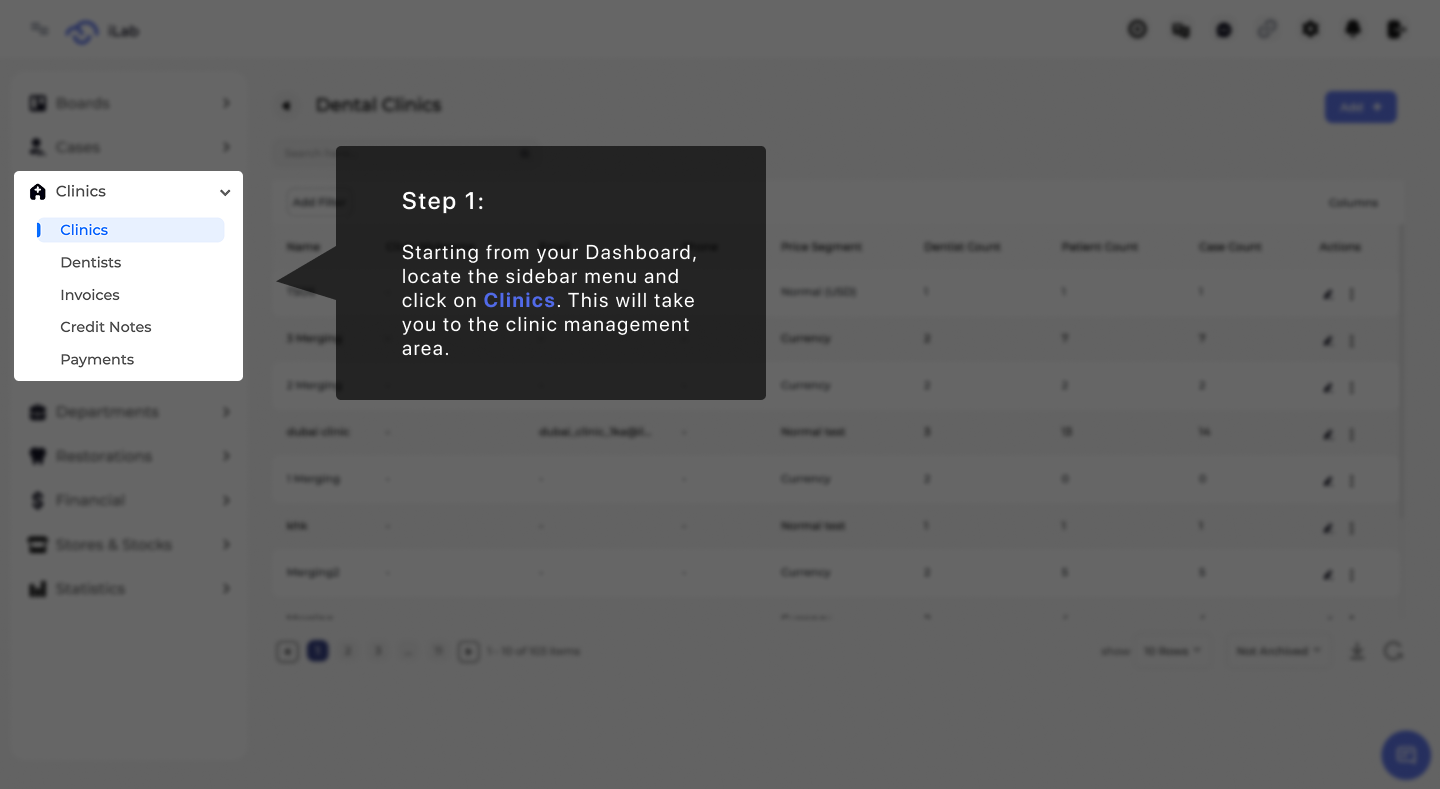
Begin by accessing your main dashboard menu on the left side of the screen. Look for the "Clinics" section and select the Clinics option to view your current list of registered practices and management tools.
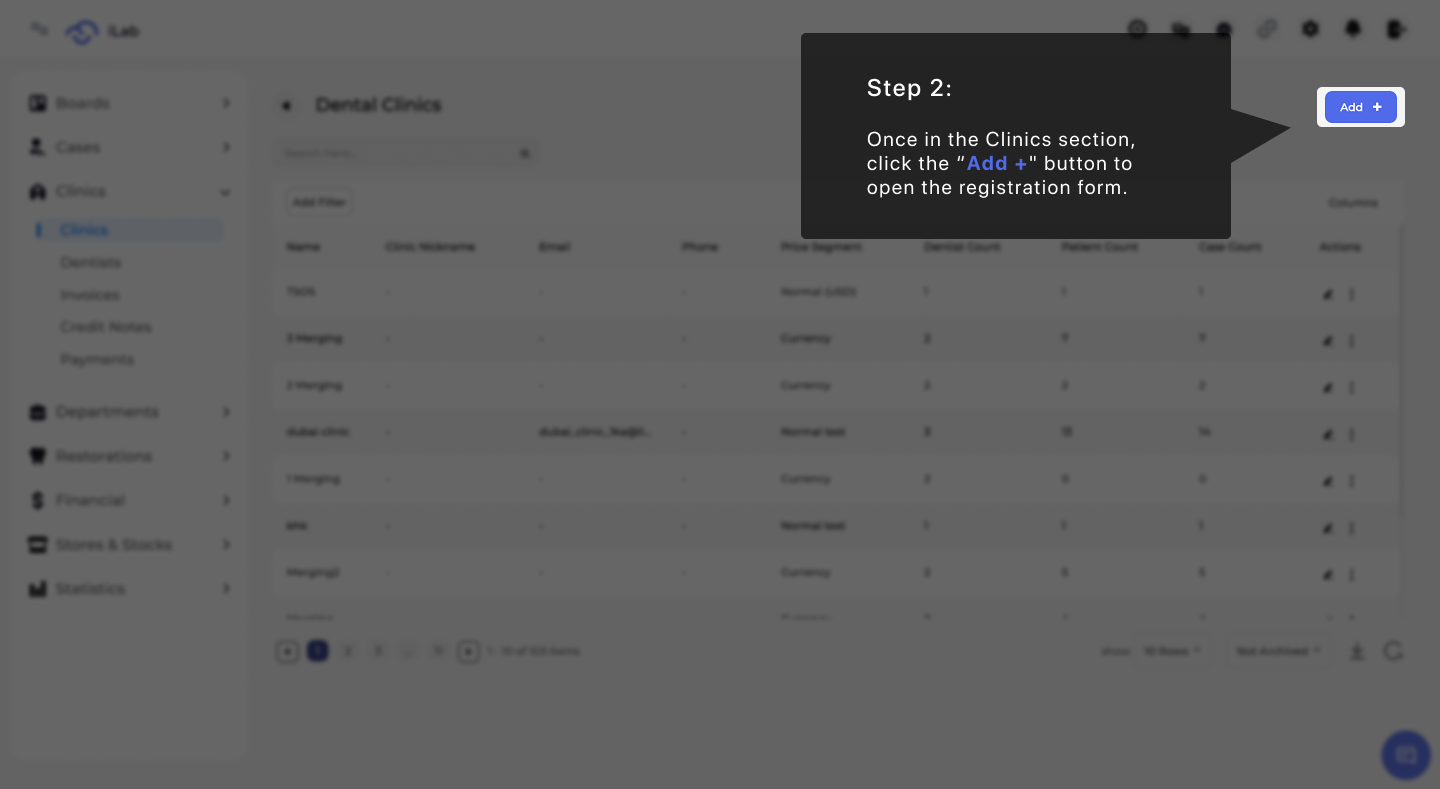
Once you have entered the clinic dashboard, you will see an overview of your existing locations. To add a new facility to your account, click the blue + New button located in the top right corner of the interface. This action will open a comprehensive registration form specifically designed to capture the unique details of your new site.
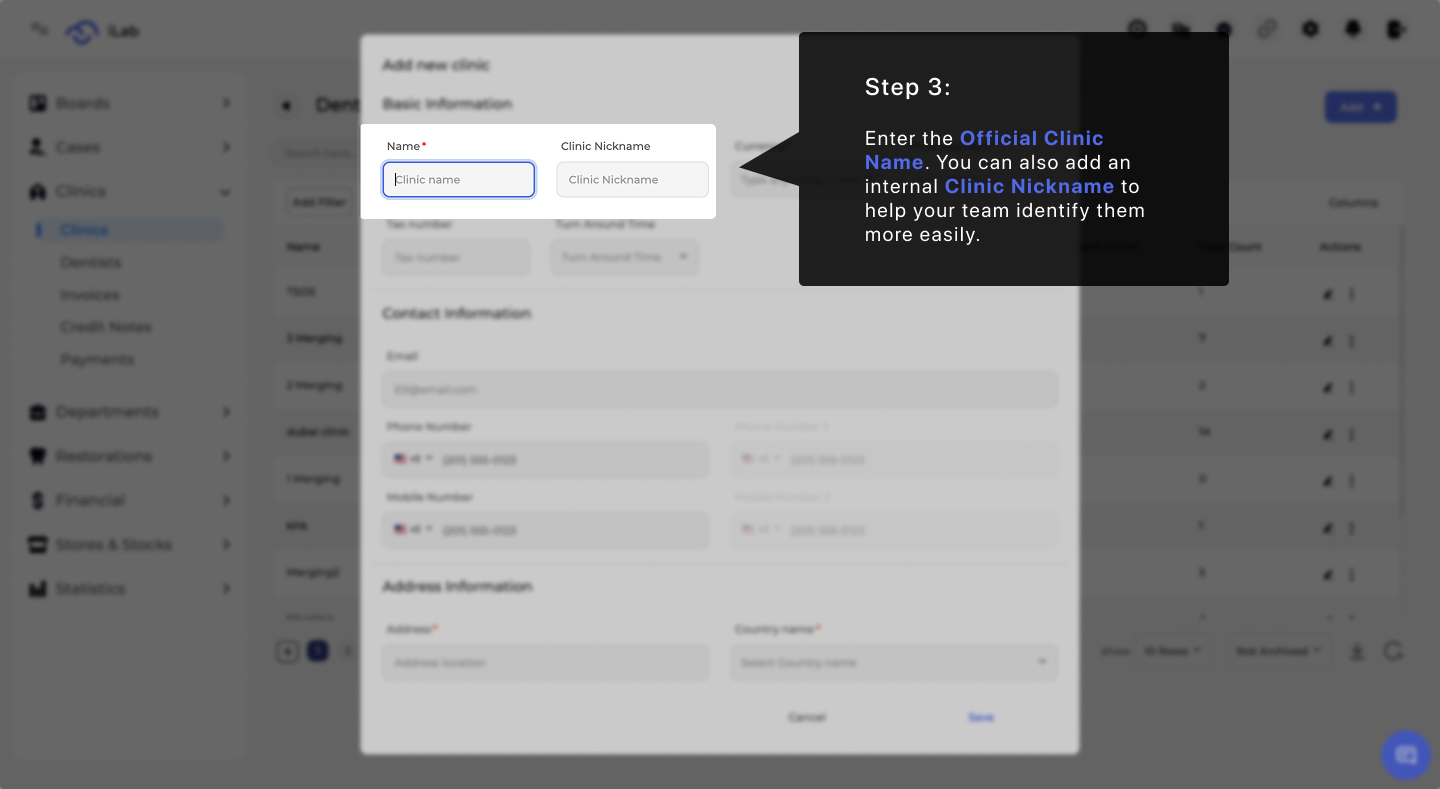
The first section of the form captures the basic identification for the new site. You must enter the Clinic Name, which serves as the primary identifier throughout the system. Additionally, please provide a Clinic Nickname; this is the name that will be displayed to staff within the employee app to provide a more familiar or simplified reference.
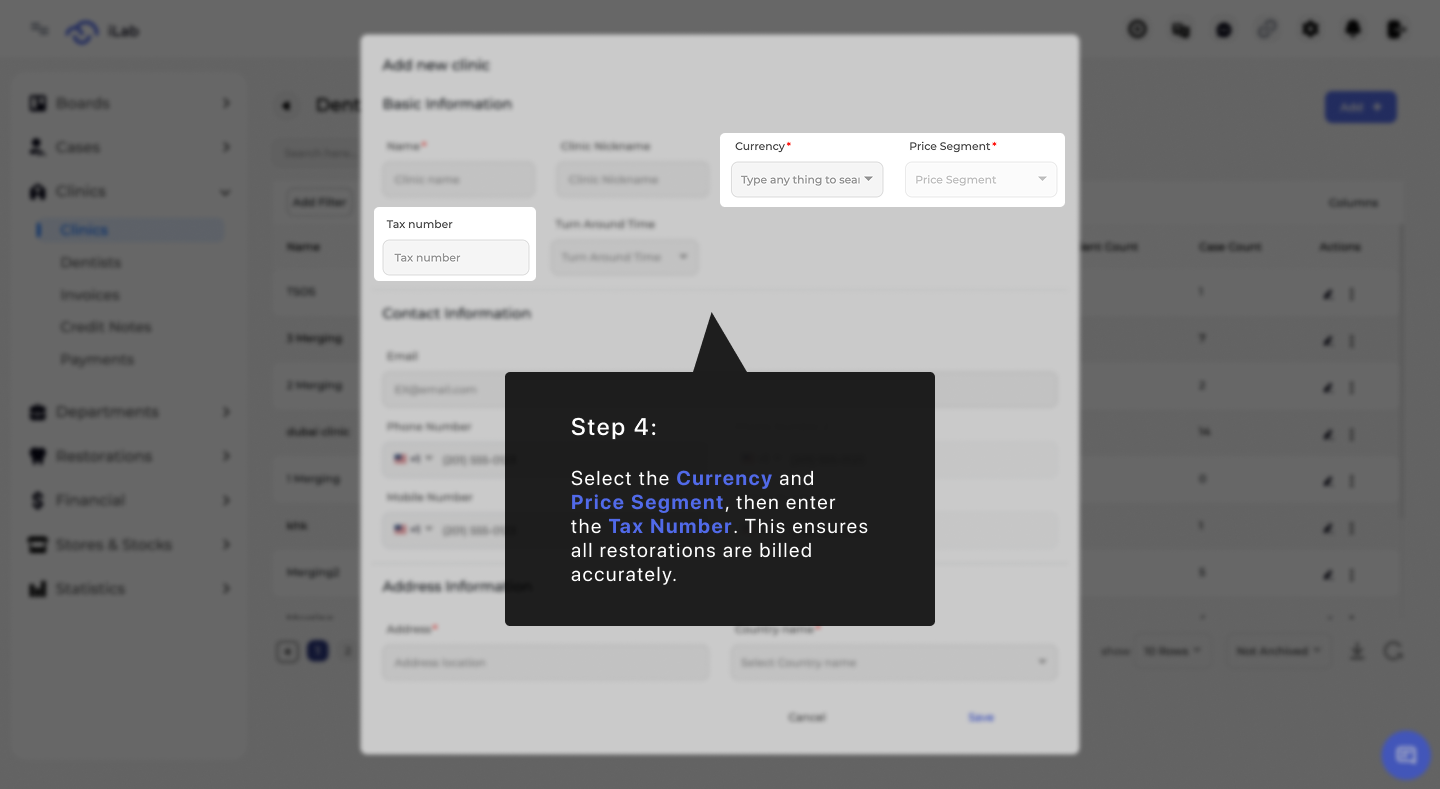
In the next section of the form, you must configure the financial settings for the new site. Select the appropriate Currency and Price Segment from the dropdown menus. Additionally, you must enter the clinic's Tax Number. These details are essential to ensure that all restorations and services are billed accurately for this specific location.
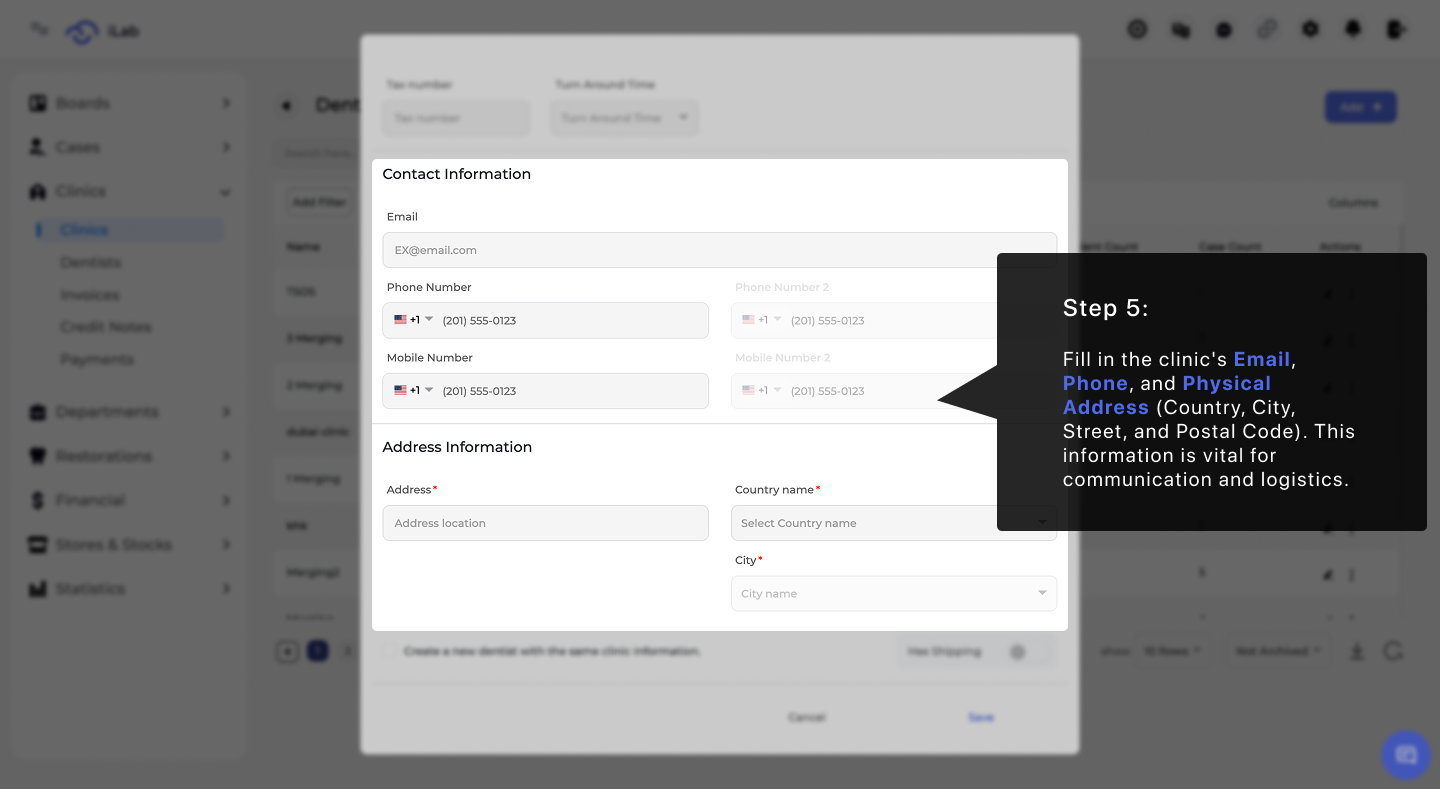
Fill in the clinic’s Email, Phone, and Physical Address (Country, City, Street, and Postal Code). This information is vital for maintaining reliable communication and managing clinic logistics.
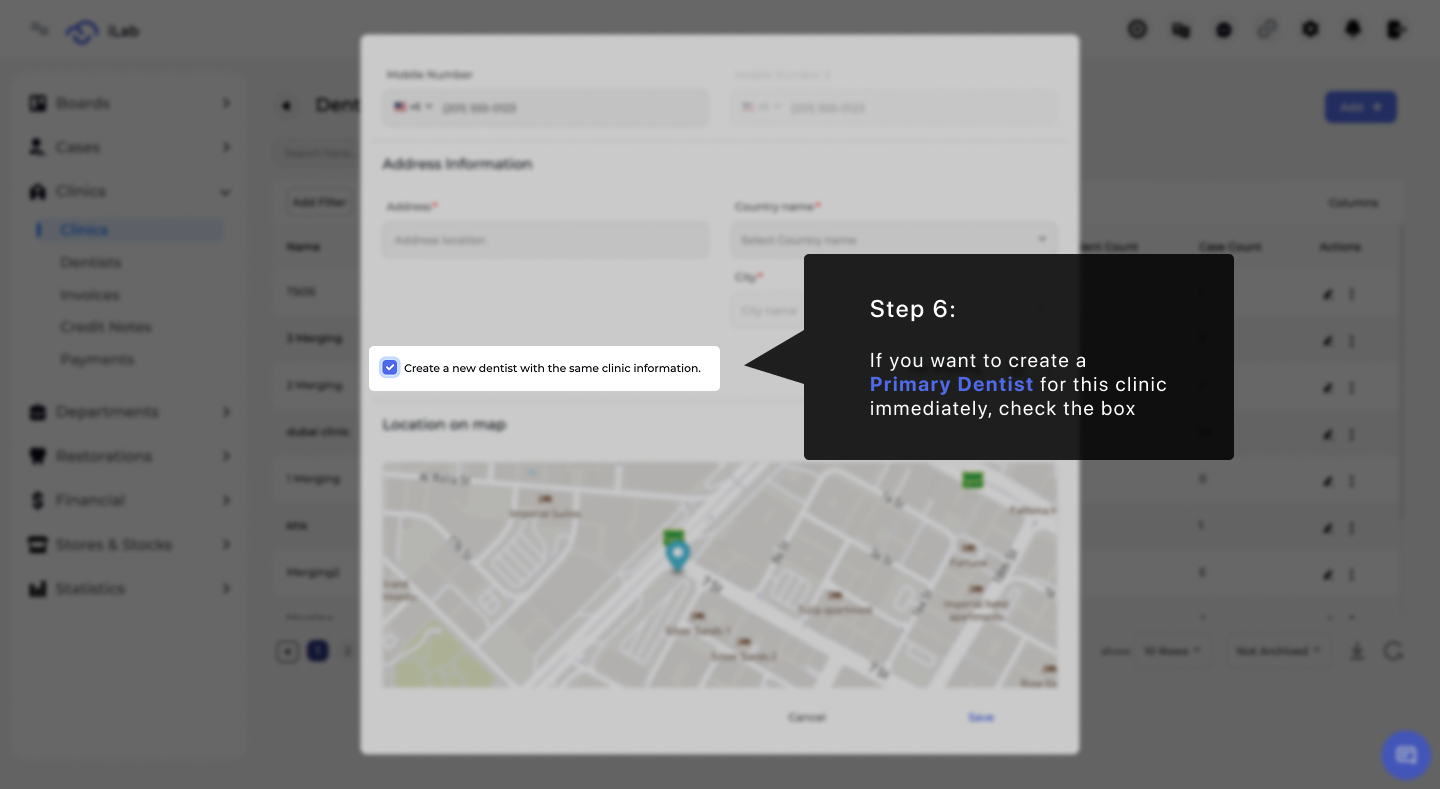
If you want to create a Primary Dentist for this clinic immediately, check the box provided in this section. This option allows you to quickly link a dental professional to the facility using the same clinic information you have already entered.
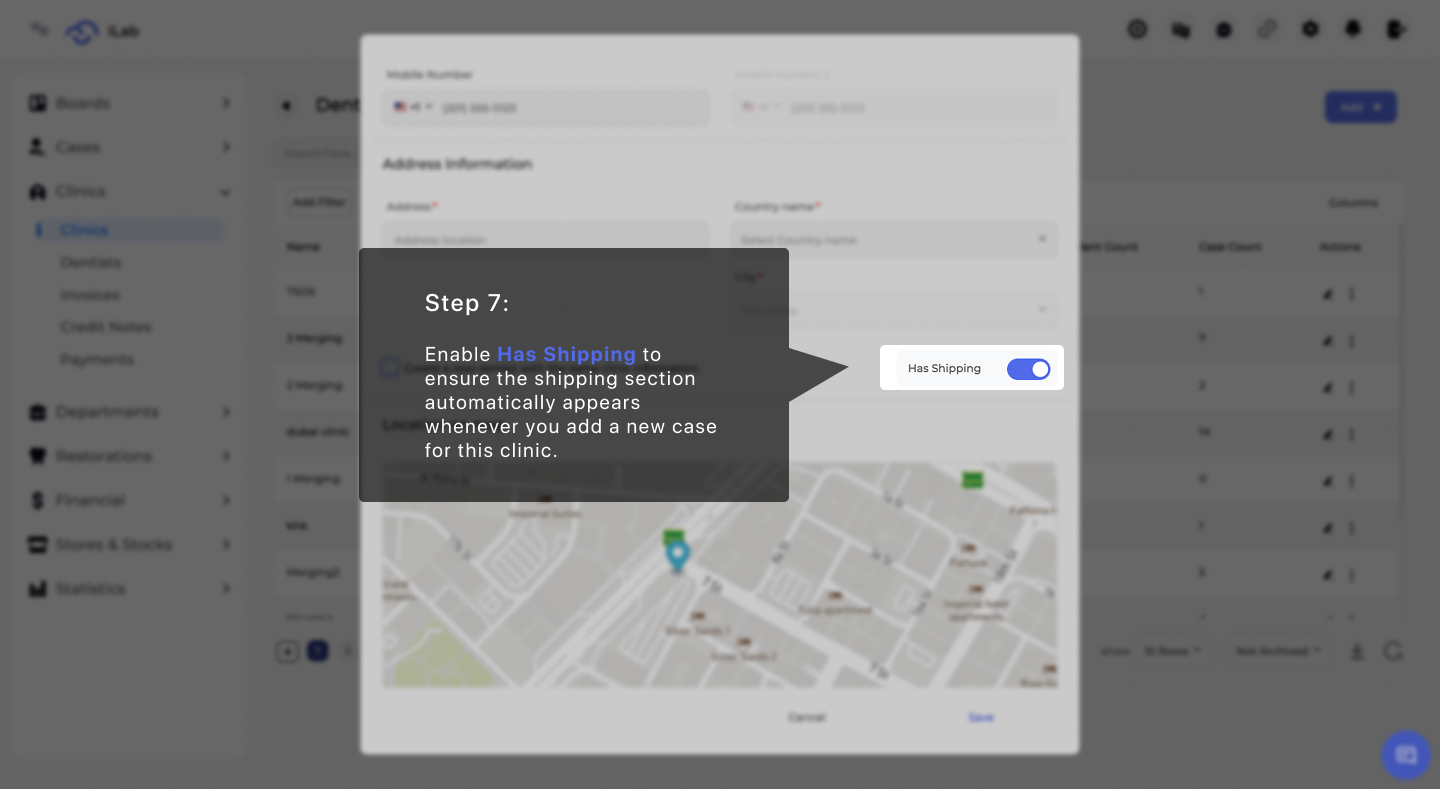
Enable the "Has Shipping" toggle to ensure a shipping section automatically appears for every new case added to this clinic. This streamlines the workflow and ensures logistical consistency for all future orders.
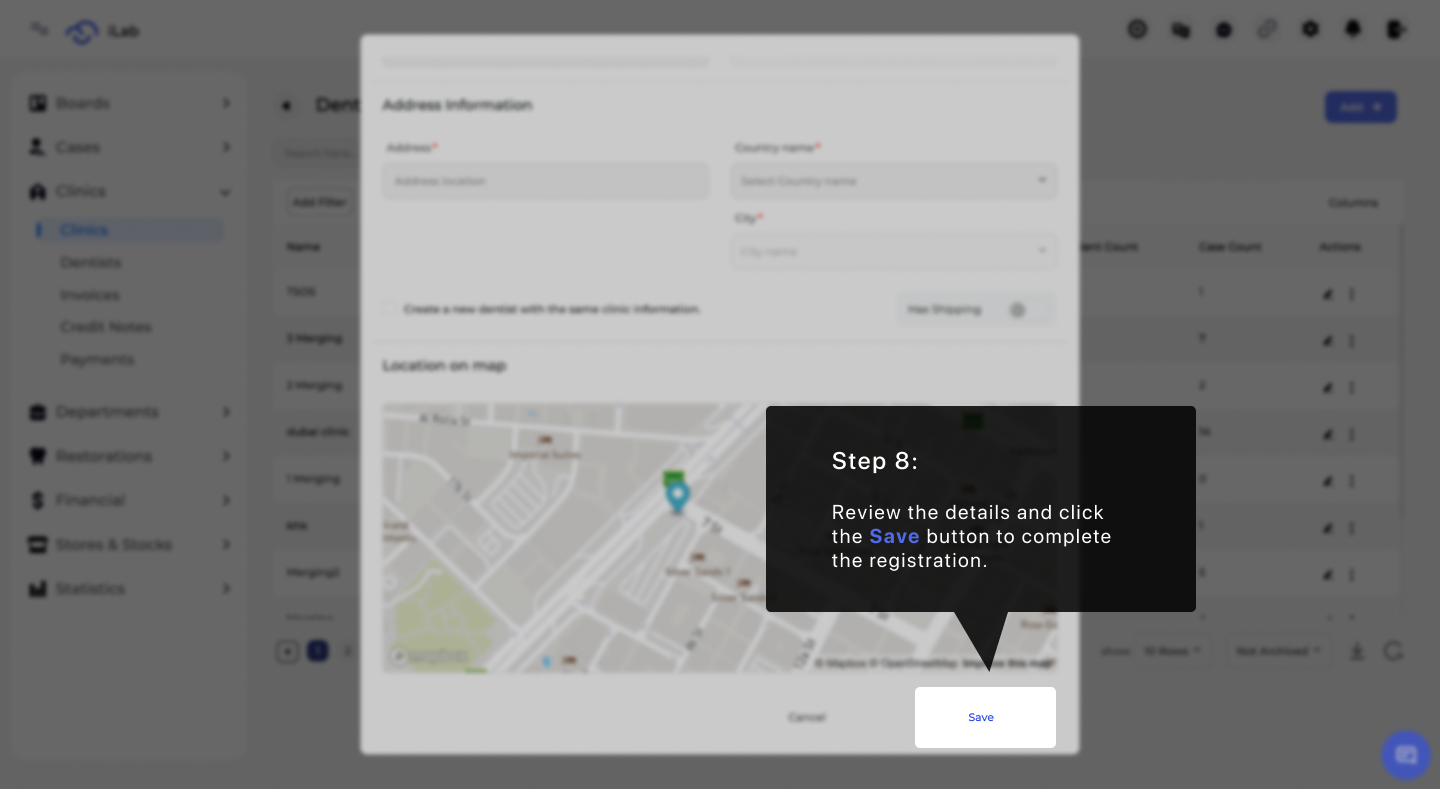
Review the entered details and click the Save button to complete the registration.